
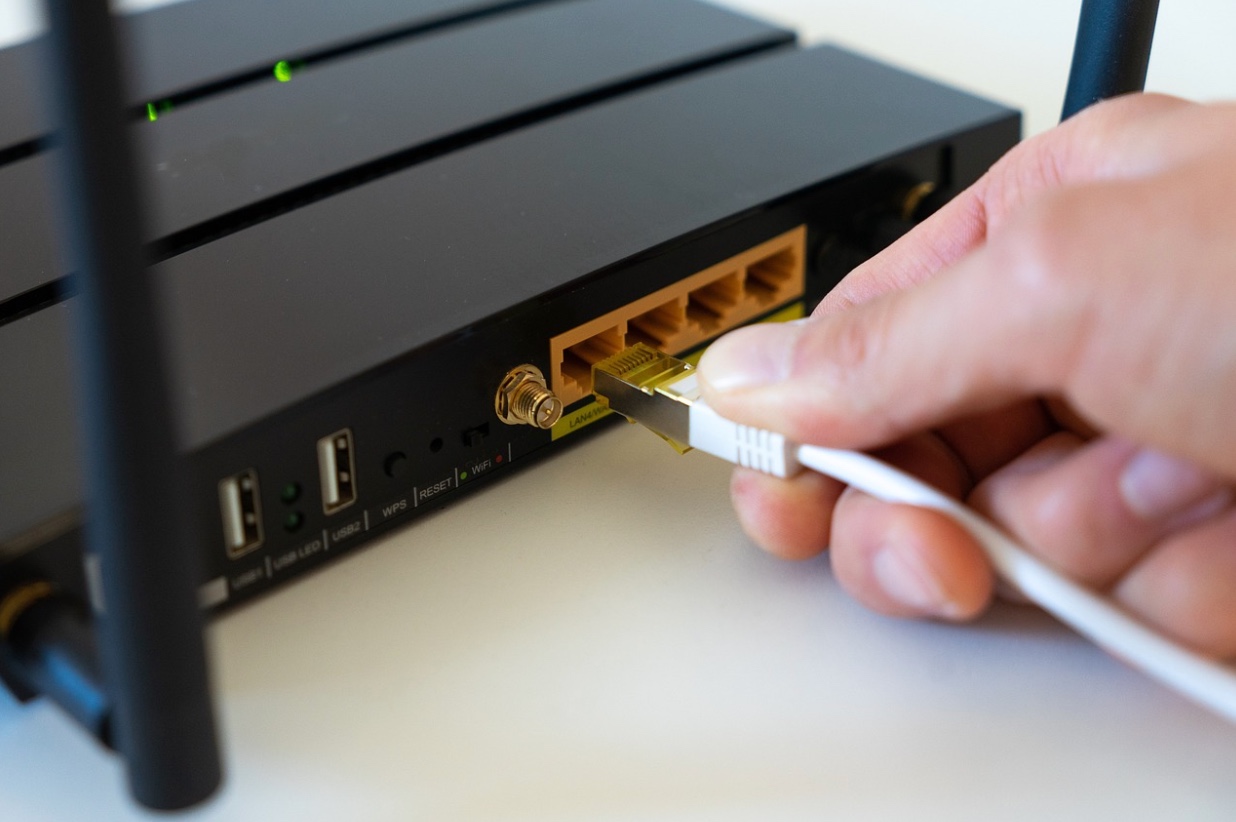
Crackle on a call is the fastest way to look unprepared in front of a client. If your phones ride on the same Ethernet as everything else, the wrong jack map, a tired patch panel, or a mismatched PoE budget can torpedo quality. Let’s make this practical: the physical pieces that make a VoIP system quiet and predictable, how to spec them for a Dallas office, and the small decisions that keep your help desk from living on call tickets.
Map the Path: From Handset to Call Platform
Every stable VoIP call takes a clean ride from the handset to the switch and out to your provider’s platform. That ride begins at the wall plate and ends at the patch field in your IDF/MDF, so labeling and cable categories do more than keep closets tidy—they reduce jitter and packet loss. A desk phone patched through a crosstalk-heavy bundle or a loose keystone will sound exactly like that. Treat the wall jack as a port on your switch: it should be labeled to the patch panel and documented on an as-built you can actually read six months from now.
Category choice matters, but it’s not a status symbol. Most handsets and PoE desk phones operate just fine on Cat6 for 1G access; run lengths and termination quality drive more call quality issues than the printed “A” on the jacket. Where you do want headroom is at the ceiling: paging horns, SIP speakers, and PoE cameras clustered near conference rooms push heat and power draw in dense cable bundles. In those pockets, Cat6A’s larger gauge and alien crosstalk mitigation reduce the odds of noise sneaking into your voice VLAN when everything powers on at once. For a quick, vendor-side view of how pros stage and document this work, scan network cabling installation in Dallas and align your scope with the same checkpoints (pathway check, labeling, certification).
If your phones share desks with PCs, line the ports up logically: one drop to the phone’s “LAN” port from the wall, then a short patch from the phone’s “PC” pass-through to the workstation. It’s not just convenient—it keeps QoS simple because the switch sees both devices on the same access port with your voice VLAN tagged and the data VLAN untagged as designed.
The Patch Field: Panels and Cross-Connects That Stay Quiet
Patch panels are the phone system’s front door. A worn panel with loose jacks or inconsistent punchdowns will turn up as intermittent “robot calls” that no firmware can fix. Panels should be sized with spare ports, tied into horizontal managers so patch cords aren’t tugging downward, and labeled so the voice VLAN stands out on sight. A good rule: one naming convention, end-to-end. If your wall jack reads 12C-043, the panel should read the same, and the switch port description should match. That one habit saves hours of “trace and pray” when a handset gets reassigned.
Cross-connecting voice gear isn’t about tradition; it’s about serviceability. If you still have a mix of analog lines (fax, elevator) alongside VoIP, a small 110/66 block for analog and a standard modular patch field for IP keeps your closet from becoming a museum of adapters. As you retire analog, remove the jumpers and reclaim patch space so it’s obvious which ports are in use. Don’t strand phones on an unmanaged switch under the receptionist’s desk—bring them home to the panel and back to the PoE switch where they’re supposed to live. When you need a refresher on the building blocks that make this easy to maintain, the structured cabling installation in Dallas overview is a good pre-walk primer.
From there, document everything like you expect to move walls one day. Store your labeled test results with the as-built diagrams. If a bank of phone jacks fails certification during turnover, your vendor should fix it before it becomes “mystery static” in production.

Power Over Ethernet: Budget First, Then Features
PoE is where many clear-sounding systems go sideways. Not all PoE is equal. Type 1 (802.3af) delivers up to 15.4W at the switch, while Type 2 (802.3at, often called “PoE+”) goes to 30W; the 802.3bt standard (sometimes “PoE++”) can span 60–90W classes for power-hungry devices. If your handsets are light draw but you’re also feeding SIP speakers or multi-sensor ceiling devices from the same closets, plan the power budget with the actual mix of endpoints—not just the phone count. Aruba’s technical docs give a crisp summary of what 802.3bt enables so you can sanity-check what your switch chassis claims versus what it can really power across all ports.
Power planning is more than a label match. PoE is thermal. Dense bundles above a conference block get warm, especially in Dallas summers when plenum air is already fighting the season. That’s another reason to use the right gauge and cable type in ceiling zones with high PoE density. Don’t skimp on managers in the rack either; tight, over-bent cords pulling on handset-facing patch leads invite failures that show up as pops and drops. If you’re splitting phones and speakers across closets, keep a simple spreadsheet: total PoE budget per switch, worst-case class per port, and a 15–20% spare so a future firmware bump or device swap doesn’t dim the lights on your paging.
Some VoIP deployments include emergency calling features that should work even during power events. VoIP 911 has rules of its own, so coordinate your cabling plan with how the system handles location and notifications. The FCC’s VoIP and 911 guidance explains how interconnected VoIP services interface with public safety and what limitations to expect in outages. For multi-line telephone systems (MLTS) common in offices and campuses, Kari’s Law and RAY BAUM’S Act requirements spell out direct 911 dialing, on-site notification, and “dispatchable location” expectations. These aren’t abstract compliance boxes—they influence how you number and label ports so emergency services see a usable location.
When your plan graduates from concept to parts list, skim a local service breakdown like phone system cabling in Dallas and confirm the deliverables match what you expect: labeled patch fields, certified test results, and PoE budgets that are calculated, not assumed.
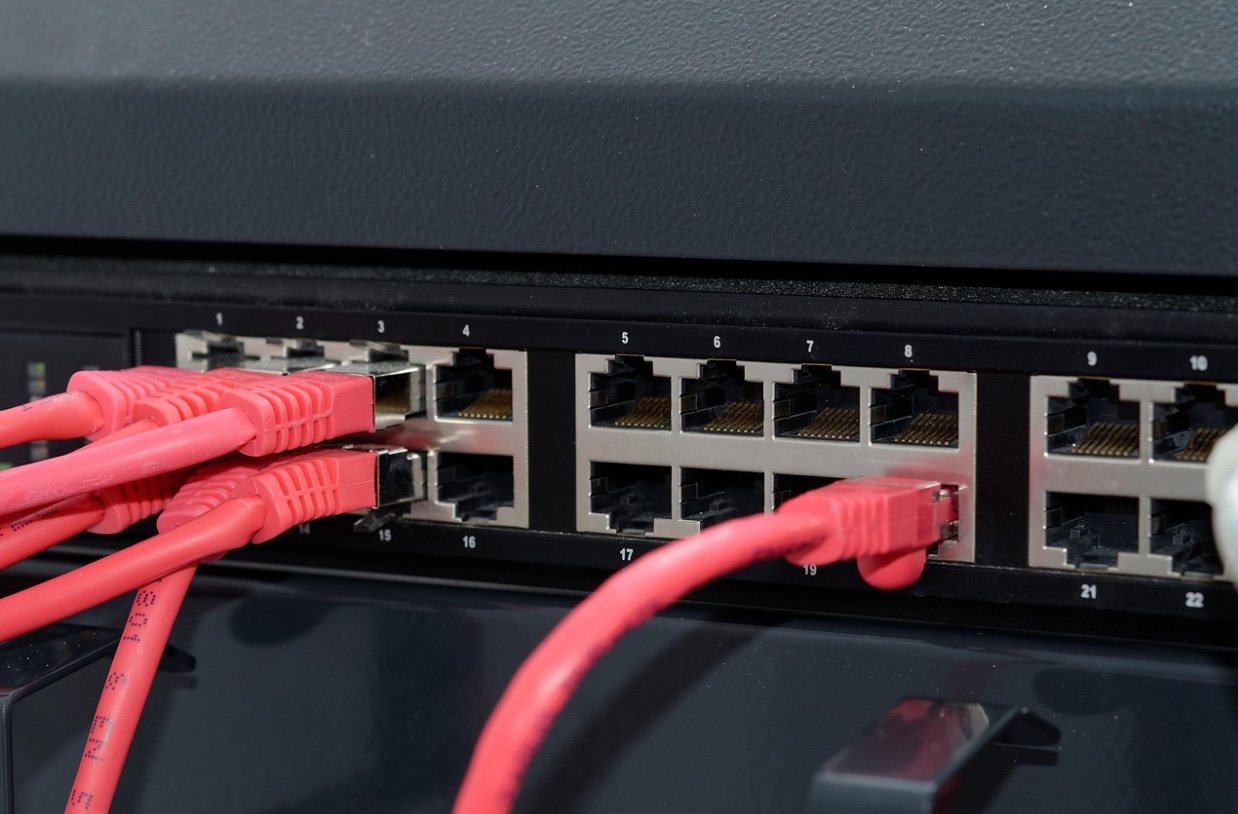
Switch Ports and QoS: Keep Voice Riding in the Fast Lane
Phones are polite traffic—if you give them the lane. On an access port that carries both a handset and a PC, use a voice VLAN tag and mark it for expedited forwarding; your switch should trust the phone’s DSCP values or remark them at ingress. None of that works, though, if the physical link is flapping because of a poor termination, or if the port is bouncing between 100 Mbps and 1 Gbps due to a marginal punch. Diagnosing “QoS problems” only to discover a bad jack is humbling and common. Certifying the copper and dressing the patch field cleanly keeps QoS discussions about policy, not plenum spelunking.
Remember that PoE negotiation and LLDP/LLDP-MED carry device capabilities. If you’ve got a mix of handset models or SIP speakers across closets, verify that each port sees the right class and reserves the expected power at boot. Phones drawing more than you planned—a Class 2 behaving like Class 3, for example—will quietly starve neighbors on the same power supply. For higher-draw devices, the 802.3bt standard widens your safety margin; Aruba’s documentation gives an accessible overview of PoE behavior and compatibility across standards so you can align expectations with the hardware you own.
Lastly, revisit emergency calling once the network is live. The FCC’s rules on dispatchable location focus on delivering a location first responders can act on. That’s not only a phone system configuration step—it’s a cabling documentation step. Your room numbers, jack IDs, and panel maps should help your 911 database stay accurate over time.
Cutovers Without Drama: Label, Test, and Stage the Patching
The fastest way to ruin a quiet cabling job is a chaotic cutover. Stage the patching in small batches: patch a row of phones, verify registration and call quality, then move on. Keep voice cords short and routed through managers so nothing tugs on the keystones. Update port descriptions as you go; future you will thank you when a handset gets relocated.
Certification is your “no-crackle” guarantee. Copper links should pass to the category you specified, with reports stored where your team can find them. If a test fails, fix it now—don’t “watch it” in production. For risers and backbone, fiber certification matters too (even if phones don’t touch fiber directly). Clean end-faces and documented loss budgets upstream create a quieter downstream.
If you need a quick checklist to compare against a vendor’s plan, the knowledge base on cable types is a simple way to align expectations: which categories go where, what to expect from each, and how that maps to device types like VoIP phones and SIP endpoints.
Conclusion
Quiet phones aren’t luck. They’re the result of mapped ports, honest PoE math, clean patch panels, and documentation you’ll still trust next quarter. Build your phone system cabling Dallas plan around those four habits and your calls will sound like they came from down the hall—not across a noisy maze of unlabeled jacks.
FAQs
What cable category should I use for VoIP handsets?
Cat6 handles most VoIP handsets well at 1 Gbps, provided the terminations are solid and runs stay within spec. Use Cat6A in high-density PoE zones (ceiling devices, clustered paging) to reduce thermal and crosstalk risks. Certification to the chosen category is non-negotiable if you want consistent call quality.
Do I need “PoE++” switches for phones?
Most desk phones draw very little—Type 1 (802.3af) or Type 2 (802.3at) is plenty. If you’re also powering SIP speakers, horns, or cameras, plan around total power budgets and reserve headroom. The 802.3bt classes expand what a switch can deliver per port; check your device specs and match the switch accordingly using vendor documentation.
How should I patch a phone and PC at the same desk?
Land the wall jack on the phone’s LAN port and patch the phone’s PC port to the workstation. On the switch, configure a voice VLAN (tagged) and data VLAN (untagged) on the same access port with QoS markings trusted or remarked. Label the port description to mirror the wall jack and panel position.
What role do FCC 911 rules play in a VoIP cabling plan?
VoIP 911 has specific requirements and limitations, and MLTS rules require direct 911 dialing, on-site notification, and usable location data. These influence how you number rooms and label jacks so your phone system can populate accurate dispatchable location. See the FCC’s VoIP and 911 guidance and the MLTS requirements summary for details.
Why do patch panels matter for call quality?
Loose ports, inconsistent punchdowns, and messy cord management create intermittent faults that sound like static, pops, or one-way audio. A clean, labeled patch field with horizontal managers and certified links prevents those physical problems from masquerading as “QoS issues.”
How do I avoid cutover chaos?
Patch and verify in small batches, update switch port descriptions as you go, and keep voice cords short and strain-free. Save certification reports with your as-builts so moves and changes later don’t become guesswork.
Where can I see how a pro scopes and delivers this work?
Browse the local service pages for phone system cabling and structured cabling to see how pathway checks, labeling, PoE planning, and certification are packaged on a typical Dallas build-out.