
Dallas-Fort Worth businesses are spending more than ever on conference room technology — video bars, 4K displays, Microsoft Teams Rooms systems, ceiling microphones, and wireless presentation hardware. Most of that investment delivers exactly what it promises. However, the part that quietly undermines it is conference room cabling Dallas offices plan last, if they plan it at all. When the display flickers mid-presentation, the HDMI signal drops after 30 feet, or the Teams Room camera won’t connect reliably, the hardware usually isn’t the problem. The infrastructure behind it is.
This article covers the cabling a commercial conference room actually needs in 2026. Specifically, it addresses the decisions that must happen before walls close — not after the AV equipment arrives.
Why Conference Room Cabling Dallas Projects So Often Get Wrong
The typical conference room cabling failure follows a predictable pattern. The general contractor installs the same Cat6A data drops used for workstations, drops a single HDMI stub to the display location, and calls it complete. The AV integrator arrives six weeks later and discovers the HDMI run is 40 feet longer than a passive cable can handle. There’s no conduit path for the HDBaseT extender cable they need. As a result, they begin the expensive process of retrofitting infrastructure through finished walls and ceilings.
This happens in Plano build-outs, Frisco office suites, and Las Colinas corporate floors with enough regularity that it should no longer be surprising. However, it still is — because most people treat conference room cabling as an AV problem rather than a structured cabling problem. In fact, it’s both. The coordination between them has to happen before construction begins.
The Four Cable Types Every Commercial Conference Room Needs
A properly designed Dallas commercial conference room requires four distinct cabling scopes. Each one has different requirements. In total, missing any one of these scopes creates problems that show up on day one.
Network — Dedicated Cat6A Data Drops
Every conference room needs dedicated Cat6A network drops. Specifically, these should not share the workstation cabling plan or serve from a single wall plate. The baseline for a standard conference room in 2026 is two Cat6A drops at the display wall. One serves the room PC or Teams Rooms appliance. The other serves the display or AV switch. Additionally, the room needs one drop at the conference table connection point and one for the ceiling-mounted wireless access point dedicated to that room.
In practice, high-bandwidth video conferencing at 4K exposes weak network connections immediately. Therefore, a dedicated drop — not a shared AP in the hallway — is the right infrastructure for a room running continuous video calls.
HDMI and HDBaseT — Solving the Run-Length Problem
This is where most conference room cabling Dallas installations fail. Standard passive HDMI cables work reliably to about 25 feet. Beyond that, signal quality degrades — artifacts, handshake failures, and intermittent dropouts that are nearly impossible to diagnose after walls close.
For any display run longer than 25 feet, the correct solution is HDBaseT. This technology carries uncompressed 4K video, audio, Ethernet, control signals, and up to 100 watts of power over a single Cat6A cable — up to 100 meters. The HDBaseT Alliance’s technology specification defines Cat6A as the recommended cable for 4K HDBaseT runs.
A transmitter at the source end and a receiver at the display end replace the long HDMI cable entirely. The result is a clean, reliable signal path. Consequently, plan this into the cabling scope — conduit path, Cat6A run, and termination locations — before the ceiling closes.
USB-C and Presentation Connectivity at the Table
Modern conference rooms also need accessible connection points at the table for BYOD workflows. A floor box or table box with USB-C and HDMI inputs, wired back to the AV equipment rack, gives presenters a reliable wired fallback when wireless presentation fails. The cabling for these table connection points requires conduit from the floor box location to the rack. Plan that conduit during the rough-in phase.
Dedicated Circuit Power
This isn’t a low-voltage cabling run, but it belongs in the same planning conversation. Every conference room AV rack, display mount, and ceiling speaker needs dedicated circuit power. For example, an AV rack sharing a circuit with workstation outlets is one that trips breakers during a board presentation. The electrical and low-voltage scopes must coordinate during the design phase.
The Conduit Decision That Defines Your Room’s Future
The single most important conference room cabling decision isn’t the cable category. It’s whether conduit gets installed before walls close.
Conference room AV technology changes faster than any other category in a commercial office. You will eventually replace the display you install in 2026. The video conferencing platform may change. The table connection standard that’s USB-C today may be something different in five years. Conduit, however, gives you the ability to pull new cable without demolition.
For example, a 1-inch EMT conduit from the AV rack location to the display wall costs almost nothing to install during rough-in. Add a separate conduit from the table box to the rack, and sleeves through any slab penetrations. Retrofitting them after walls are finished and ceilings are tiled, however, often costs more than the original AV system.
As AVIXA’s conference room design standards emphasize, infrastructure designed to outlast individual devices is the foundation of a room that stays functional across multiple technology cycles. Conduit is the most concrete expression of that principle.
The Coordination Problem — and How to Avoid It
Conference room cabling Dallas projects go wrong when the structured cabling contractor and the AV integrator work from separate scopes without coordinating. The cabling contractor doesn’t know where the AV rack will sit or what signal paths the integrator needs. The AV integrator arrives after rough-in and inherits whatever was installed.
The solution, therefore, is a pre-construction coordination meeting before any rough-in begins. That meeting should include the cabling contractor, the AV integrator, and the general contractor. Together, they need to settle five things before rough-in. First, where the AV rack will be located. Second, what the display mounting location and height are. Third, how far every signal run needs to travel. Fourth, where table connection points will sit. Finally, what conduit paths are required.
The ANSI/TIA-568 standard governs the structured cabling infrastructure. It doesn’t govern the AV signal paths, however. Instead, those must be designed by the integrator and communicated to the cabling contractor before rough-in. When that conversation doesn’t happen, someone pays for it in change orders.
What a Well-Cabled Dallas Conference Room Looks Like
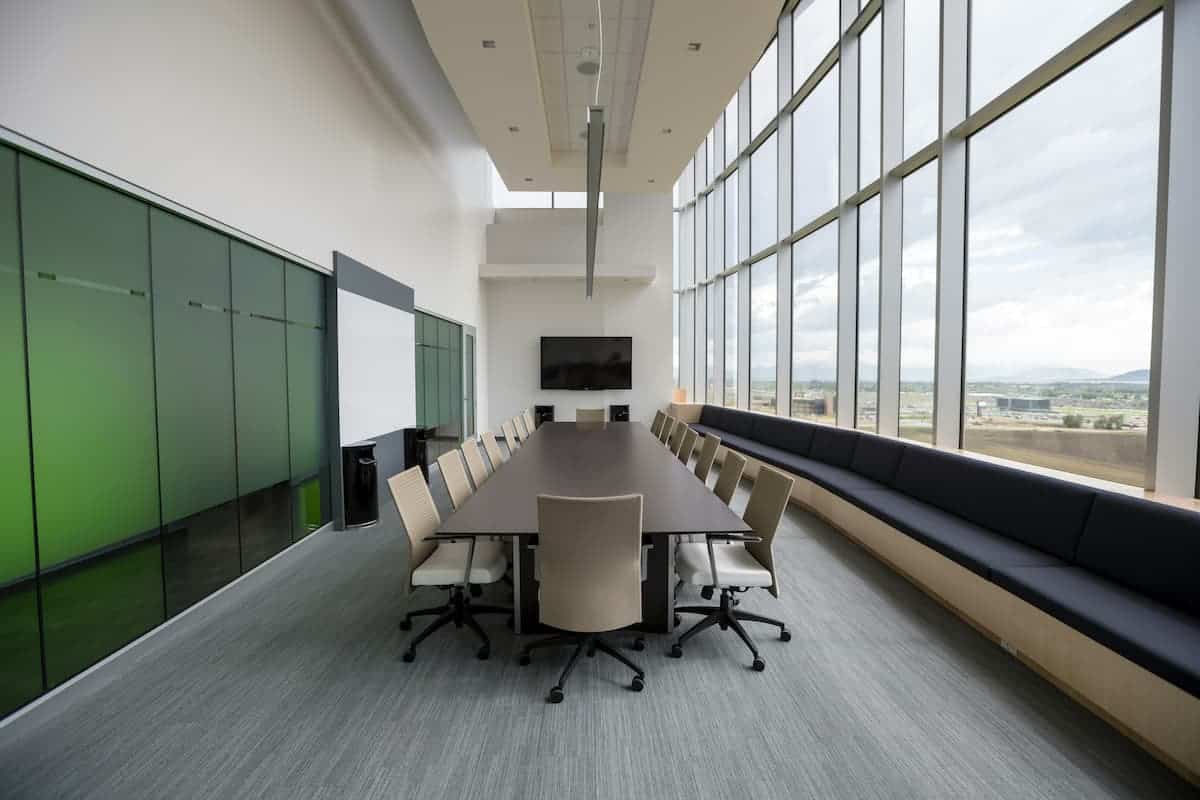
Here’s the complete cabling scope for a standard corporate conference room in a DFW commercial office build-out — specifically, a 20-person room with a dual-display wall, a Teams Rooms system, and a 12-person conference table. In other words, a typical high-use room on a DFW corporate floor:
- Two Cat6A drops at the display wall (Teams Rooms appliance + display network)
- Two HDBaseT Cat6A runs from the equipment rack to each display
- One Cat6A run to the ceiling access point, dedicated to the room
- One Cat6A run to the conference table floor box
- HDMI and USB-C connections at the table floor box, cabled back to the rack
- Conduit from rack location to display wall, table box, and ceiling AP location
- A dedicated 20-amp circuit to the AV rack location, coordinated with the electrical scope
None of this is exotic. However, all of it must be designed before rough-in and coordinated between the right trades.
The Bottom Line
Conference room cabling Dallas businesses get right is invisible — the display works, the call connects, and the presentation goes up without hunting for adapters. The version that goes wrong, however, is expensive to fix and disruptive at the worst moments. The difference between the two is almost entirely planning. Specifically, it comes down to: coordinating the right cable types, planning conduit paths, and getting the structured cabling contractor and AV integrator in the same conversation before walls close.
Our team at Just Cabling coordinates conference room structured cabling with AV integrators across the Dallas-Fort Worth metroplex. That includes Cat6A infrastructure, HDBaseT runs, table connectivity, and conduit planning for new build-outs and renovations. Our structured cabling installation service covers the full scope — from pre-construction coordination through certified Fluke testing and as-built documentation. We offer free on-site assessments for commercial projects and provide a written scope before any work begins.
Just Cabling is a Dallas-based structured cabling company serving businesses across the DFW metroplex, including Plano, Frisco, McKinney, Allen, Las Colinas, and beyond. We specialize in commercial structured cabling, fiber optic installation, and network infrastructure for offices, medical facilities, and corporate campuses.