
Most Dallas businesses don’t think about their structured cabling until something goes wrong. And by the time something goes wrong — chronic network drops, sluggish speeds, Wi-Fi dead zones, a technician who can’t figure out which cable goes where — the problem has usually been building for months. The cabling that was installed during your last build-out, or inherited from a previous tenant, is quietly holding your business back.
The good news is that the warning signs are easy to spot once you know what to look for. This guide walks you through the most common indicators that your Dallas office is overdue for a structured cabling upgrade — and what the upgrade process actually looks like.
Sign 1: Your Network Was Installed More Than 10 Years Ago
Structured cabling has a long lifespan — a well-installed system can last 15 to 20 years — but the technology standards it was built around don’t age as gracefully. If your cabling was installed before 2015, there’s a strong chance it was designed around Cat5e, which maxes out at one gigabit per second under ideal conditions. That was adequate a decade ago. It isn’t adequate for a modern Dallas office running cloud applications, video conferencing, VoIP phones, high-density Wi-Fi, and AI-powered platforms simultaneously.
Age alone isn’t a reason to rip everything out, but it is a reason to have a cabling contractor assess what you have. In many cases, a targeted upgrade — replacing the horizontal runs while keeping the backbone infrastructure — is far less disruptive and expensive than a full replacement.
Sign 2: You’re Experiencing Frequent Network Drops or Slow Speeds
Intermittent connectivity problems are one of the most frustrating and misdiagnosed issues in office IT. When your network keeps dropping or your speeds are consistently below what your ISP is delivering, the instinct is to blame the router, the ISP, or the switches. Often the real culprit is the cabling.
Damaged cable jackets, improperly terminated connections, cables that were kinked or bent during installation, and runs that exceed the 100-meter distance limit for copper cable can all cause exactly these symptoms — and they’re invisible unless you’re running proper diagnostic tests. A Fluke cable analyzer will surface these faults immediately. If your cabling has never been tested with one, you don’t actually know what condition it’s in.
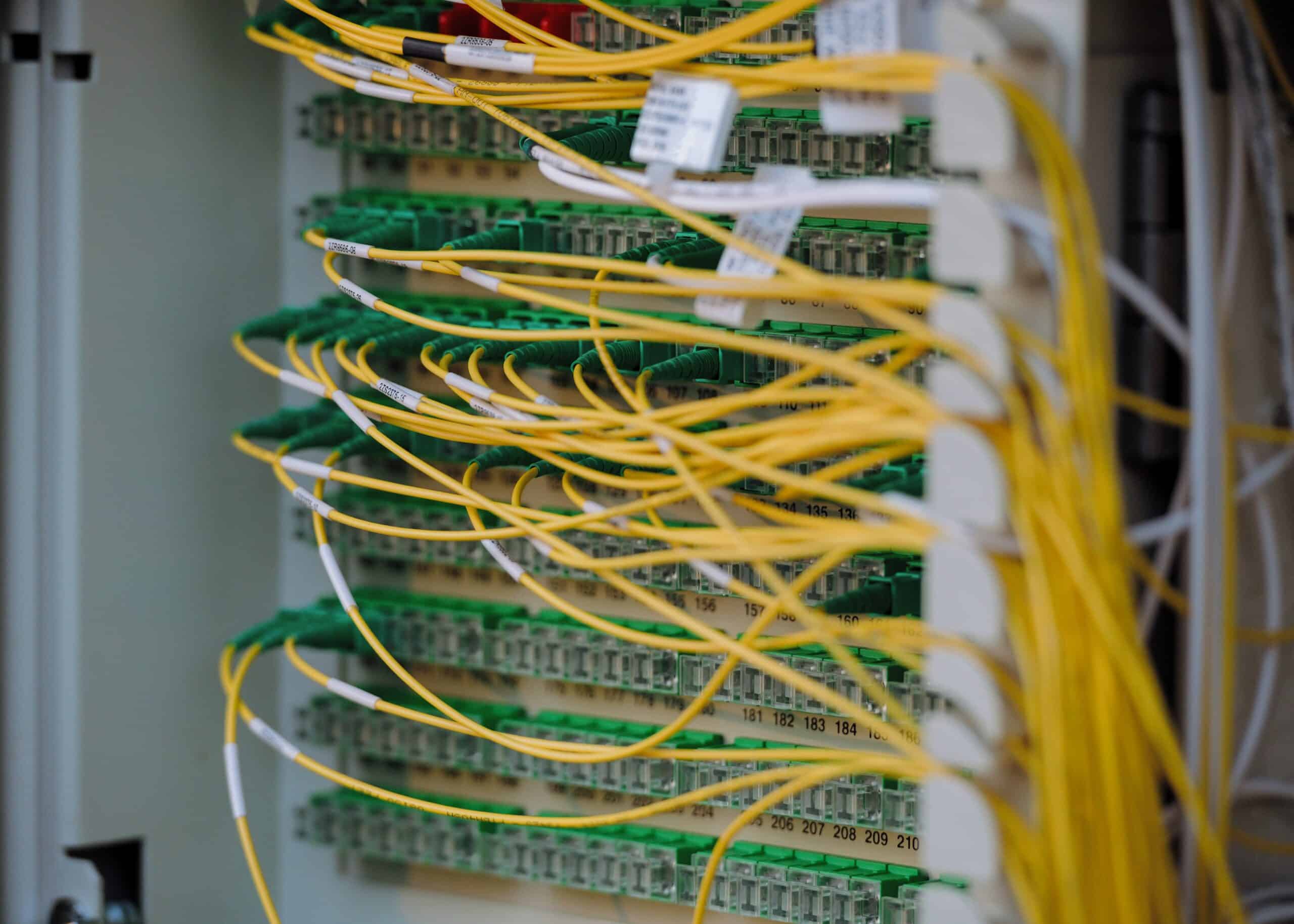
Sign 3: Your Telecom Closet Looks Like Spaghetti
Open your telecom room door. If what you see is a tangle of unlabeled cables, mismatched patch panels, and equipment stacked on the floor, that’s not just an aesthetic problem. It’s an operational risk. Unlabeled and disorganized cabling means that every move, add, or change to your network requires a technician to trace cables manually — a slow, error-prone process that drives up IT labor costs and extends downtime when problems occur.
A proper structured cabling upgrade includes full labeling, documentation of every run, organized cable management hardware, and a clean patch panel layout that maps logically to your floor plan. That investment pays for itself quickly in reduced troubleshooting time.
Sign 4: You’ve Outgrown Your Drop Count
When your office was first cabled, it was designed for a specific headcount and a specific set of devices. If your team has grown, if you’ve added IP cameras, wireless access points, VoIP phones, or digital signage since the original installation, you may be running out of ports — or worse, daisy-chaining switches to compensate.
Daisy-chained switches are a common workaround that creates real problems: added latency, reduced throughput, and a network topology that becomes increasingly difficult to manage and troubleshoot. The right fix is additional structured cabling drops run back to your telecom room — not more switches hanging off switches.
Sign 5: You’re Running Wi-Fi to Cover for Bad Wired Infrastructure
Wireless is essential in a modern office, but it’s not a substitute for wired infrastructure — it’s a complement to it. If your team is relying entirely on Wi-Fi because the wired drop count is inadequate or the existing cabling is unreliable, you’re building your network on an unstable foundation. Wi-Fi performance is directly dependent on the quality of the wired backbone feeding each access point. Poor cabling equals poor wireless, regardless of how good your access points are.
If Wi-Fi has become a workaround rather than a feature, it’s time to address the underlying cabling infrastructure.
Sign 6: You’re Planning a Renovation, Expansion, or New Lease
If your Dallas office is about to undergo any kind of physical change — a renovation, a floor expansion, a move to a new space — you have a natural opportunity to upgrade your cabling at the lowest possible cost. Running new cable during construction is a fraction of the cost of retrofitting finished space. If walls are going to be open anyway, use that window.
For businesses signing new leases in DFW — whether in Uptown Dallas, Las Colinas, Frisco, or anywhere across the Metroplex — always have a cabling contractor assess the existing infrastructure before you commit. Inheriting someone else’s outdated or poorly installed cabling is a hidden cost that catches a lot of businesses off guard.
What a Structured Cabling Upgrade Actually Involves
A cabling upgrade doesn’t always mean starting from scratch. A qualified contractor will begin with a site assessment — walking your space, testing existing runs with a cable analyzer, documenting what’s there, and identifying what’s performing adequately versus what needs to be replaced or supplemented.
From there, the scope of work is built around your actual needs: replacing underperforming runs, adding drops where coverage is thin, upgrading to Cat6 or Cat6A where bandwidth demands require it, installing fiber backbone between floors if applicable, and cleaning up and documenting the telecom room. The result is a network infrastructure you can actually rely on — and one that a technician can work on efficiently without spending an hour tracing cables.
Ready to Find Out What Your Cabling Is Actually Doing?
If any of the signs above sound familiar, the first step is a professional assessment — not a guess. Just Cabling serves businesses across the Dallas-Fort Worth Metroplex, from Irving and Garland to Plano, McKinney, and beyond. Our certified technicians will test your existing infrastructure, give you an honest picture of what you have, and recommend the most cost-effective path forward.
Contact us today to schedule your free cabling assessment. No obligation, no pressure — just a clear answer about where your network stands.