
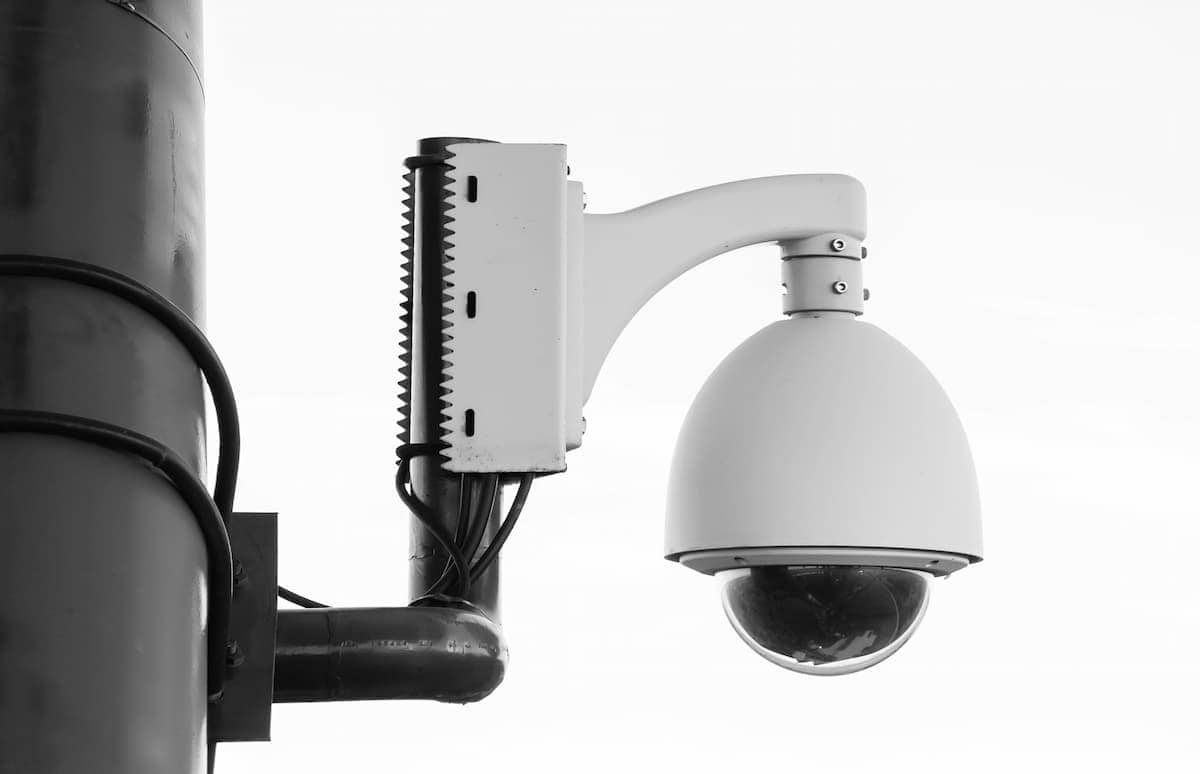
Walk through almost any new commercial build-out in the Dallas-Fort Worth area today — a corporate office in Plano, a medical suite in Frisco, a multi-tenant building in Las Colinas — and the security cameras on the ceiling and the wireless access points in the drop tiles have something in common: they’re both powered through a single Ethernet cable, with no separate electrical outlet in sight.
That’s Power over Ethernet, and the version being specified on new DFW commercial projects in 2026 is increasingly PoE++ — the highest-power standard in the IEEE 802.3bt specification. If you’re planning a new office build-out, upgrading your surveillance system, or deploying Wi-Fi 7 access points, understanding what PoE++ is and why it matters will help you ask better questions and avoid a cabling infrastructure that can’t support the devices you’re about to install.
What PoE Actually Does — and Why It Matters for Your Building
Power over Ethernet technology allows a single Cat6A cable to carry both network data and electrical power simultaneously to a device. Instead of requiring an electrician to run a dedicated power circuit to every camera mount and every ceiling access point — which adds labor cost, permitting complexity, and construction time — a PoE-enabled network switch delivers power directly through the data cable.
For a commercial building with dozens of IP cameras and wireless access points spread across multiple floors, the difference is significant. Every device that can be powered over Ethernet is a device that doesn’t require its own electrical outlet, its own power adapter, or its own trip to the electrical panel. It also means every PoE-powered device can be connected to a single UPS (uninterruptible power supply) at the network switch, keeping cameras and access points online during a power outage — something you simply can’t do when each device has its own power adapter plugged into a wall outlet.
The Three Tiers of PoE — And Why PoE++ Is Now the Relevant Standard
Not all PoE is the same. The IEEE has defined three generations of the standard, each delivering progressively more power:
IEEE 802.3af — Original PoE Delivers up to 15.4 watts at the switch port. Sufficient for VoIP phones, basic IP cameras, and early-generation wireless access points. Still found in older commercial buildings, but rarely specified for new installations today.
IEEE 802.3at — PoE+ Delivers up to 30 watts. The workhorse standard for most mid-range IP cameras and Wi-Fi 6 access points. Still widely installed and appropriate for many standard office applications.
IEEE 802.3bt — PoE++ Delivers up to 60 watts (Type 3) or 90 watts (Type 4) over a single cable. This is the standard driving the shift in commercial cabling specifications right now. PoE++ uses all four wire pairs in the cable to deliver power, compared to the two pairs used by earlier standards.
The reason PoE++ has become the specification of choice on new DFW commercial projects comes down to what’s actually being installed in 2026.
What’s Driving the Shift: The Devices Have Changed
Five years ago, a standard IP camera might draw 10 to 15 watts. Today’s commercial-grade cameras are a different category of device entirely. High-resolution multi-sensor cameras, PTZ (pan-tilt-zoom) units with built-in infrared illuminators, cameras with integrated heaters for outdoor installations, and AI-enabled analytics cameras that process video at the edge — these devices routinely require 30 to 60 watts. Some high-end PTZ cameras with integrated heaters and blowers run close to the 90-watt Type 4 ceiling.
Wireless access points have followed the same trajectory. A Wi-Fi 6 access point might require 25 watts. Wi-Fi 7 access points — which aggregate traffic across the 2.4, 5, and 6 GHz bands simultaneously and serve dozens of clients at multi-gigabit speeds — commonly require 30 to 50 watts, and enterprise-grade units can push higher. The IEEE 802.11be standard that defines Wi-Fi 7 was designed with the expectation of PoE++ infrastructure.
Smart building devices — networked LED lighting controls, access control panels, IP intercoms, digital signage controllers — are also drawing more power as they take on more functionality. PoE++ gives a single cable the headroom to support what these devices actually need, rather than requiring a separate power source the moment wattage requirements exceed 30 watts.
Why PoE++ Requires Cat6A — Not Cat6 or Cat5e
This is where cabling decisions and device decisions intersect, and where getting the specification wrong creates real problems.
PoE++ delivers up to 90 watts over a cable run that can be up to 100 meters long. Moving that much power through copper conductors generates heat — and in a commercial installation where dozens of cables run together in tight bundles through conduit and cable trays, that heat accumulates. On Cat5e cable, which uses thinner 24 AWG conductors, the electrical resistance is high enough that a Cat5e cable carrying PoE++ current over a long run can lose 20 to 30 percent of its power as heat before it reaches the device. That’s wasted power, reduced device performance, and a thermal management problem inside the cable bundle.
Cat6A addresses this with thicker 23 AWG conductors, which have significantly lower resistance. Lower resistance means less heat generated per foot of cable, more reliable power delivery to the device at the end of the run, and better thermal performance in dense cable bundles. This is why the ANSI/TIA-568 standard — the governing specification for commercial structured cabling in the United States — specifically requires Cat6A for high-power PoE applications and Wi-Fi 7 access point runs. It’s not a preference; it’s the published standard.
If your Dallas-Fort Worth office building is being cabled with Cat6 or Cat5e for runs that will carry PoE++ devices, that infrastructure is undersized for what those devices actually require.
What This Looks Like on a Real DFW Commercial Project
Here’s how PoE++ requirements play out on a typical project we see across the DFW market:
A 40,000-square-foot corporate office in Plano specifies 30 IP cameras, 20 Wi-Fi 7 access points, and access control readers at every secure entrance. The cameras are high-resolution units with IR illuminators drawing up to 25 watts each. The Wi-Fi 7 APs draw 40 watts each. The access control panels draw 15 to 20 watts.
Every one of those devices needs a dedicated cable run — a home run from the device location back to the network closet on that floor. Every one of those runs needs to be Cat6A to properly support the power load. The PoE switch powering those devices needs to have a power budget that accounts for the combined draw of everything connected to it, with headroom for startup surges. And critically, the entire system needs to be designed and installed as an integrated infrastructure — cable, switch, and devices — not assembled from whatever parts happened to be on hand.
A cabling contractor who specs Cat6 or Cat5e for those runs to save a few dollars per foot is creating a problem the building owner will pay for in device instability, premature failures, and eventually a recabling project.
The Questions to Ask Before Your Project Starts
Before any PoE infrastructure goes into your Dallas-Fort Worth commercial building, make sure your cabling contractor can answer these:
- What is the wattage requirement for every device being powered over Ethernet? IP cameras, access points, and access control devices all have published power specs. Your contractor should be designing to those numbers, not guessing.
- Is Cat6A being specified for all PoE++ device runs? Any run carrying a device that exceeds 30 watts should be Cat6A. If the spec says otherwise, ask why.
- What is the power budget of the PoE switch, and does it account for all connected devices? A switch with 48 ports and a 370-watt total power budget cannot run 48 PoE++ devices at full power simultaneously. Budget planning matters.
- Are cable runs being kept under 100 meters? Both data performance and power delivery degrade beyond 100 meters on copper cable.
- Is certified testing being performed on every run? Every Cat6A cable in a PoE++ installation should be Fluke-tested and documented before the ceiling goes in.
The Bottom Line
PoE++ is no longer a premium option for high-end installations — it’s the baseline specification for commercial buildings deploying modern IP cameras, Wi-Fi 7 access points, and smart building devices across the Dallas-Fort Worth market in 2026. The devices being installed today require the power, and the cabling infrastructure has to be designed to support it.
That means Cat6A throughout, a properly budgeted PoE switch, and a contractor who understands how power delivery and data transmission interact in a commercial installation.
Our team at Just Cabling designs and installs structured cabling systems built for the devices your building is actually running — including full Cat6A infrastructure for PoE++ applications across the DFW metroplex. If you’re planning a new build-out or upgrading an existing system, we offer free on-site assessments and provide a written scope before any work begins.
Just Cabling is a Dallas-based structured cabling company serving businesses across the DFW metroplex, including Plano, Frisco, McKinney, Allen, Las Colinas, Addison, and beyond. We specialize in commercial structured cabling, fiber optic installation, and network infrastructure for offices, medical facilities, and corporate campuses.